Incident response
What to say on your status page during an incident
A simple structure for clear updates, from the first report to confirmed recovery.
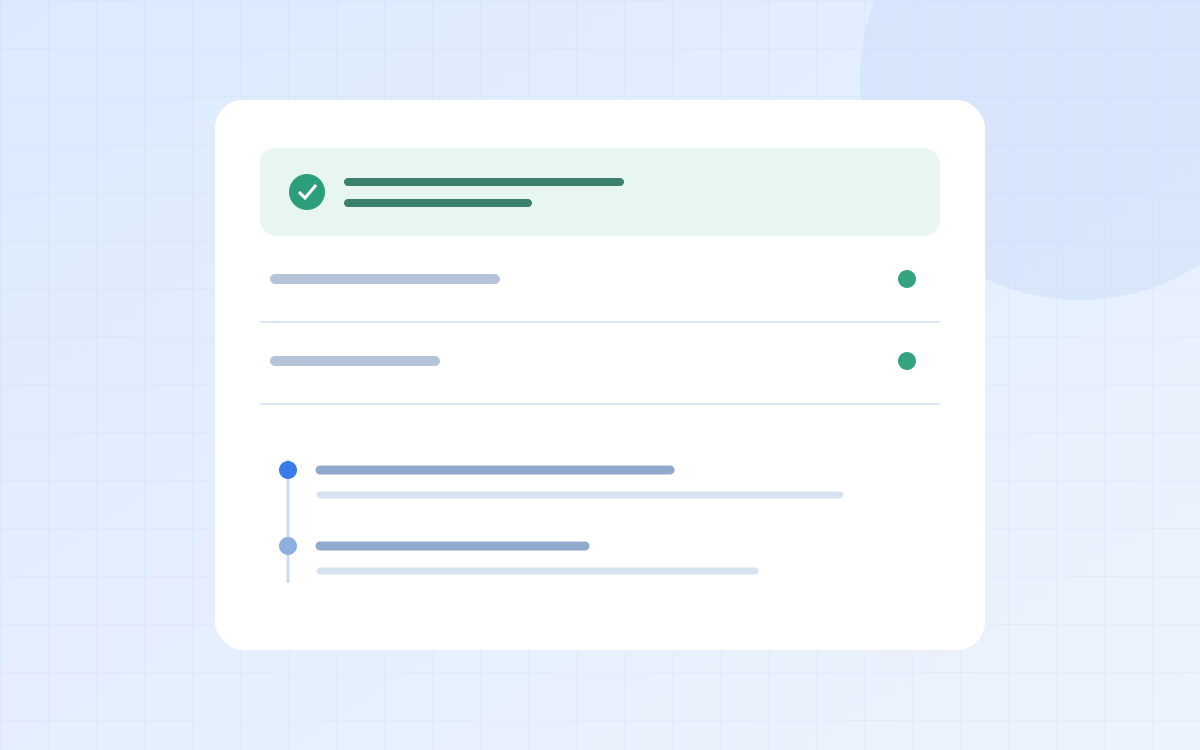
When a service is unavailable, users need to know whether the problem is on their side and what they should do next. A status page provides a shared place for that information.
Clear updates describe the impact you have verified. They do not need a complete diagnosis to be useful.
Start with the observed impact
Name the affected service, the symptoms and when the issue began, if known. Distinguish between a full outage and degraded performance.
For example: “Some API requests are timing out. We are investigating the affected endpoints.” This states what is known without inventing a cause.
Give the next update a time
Tell users when to expect more information. You can publish an update even when the investigation is still in progress.
- Explain whether the impact has changed.
- Mention workarounds only after checking them.
- Avoid publishing credentials, internal logs or customer information.
Separate mitigation from recovery
A deployed fix is not yet evidence of recovery. Check the affected service and watch for errors before marking the incident as resolved.
| Stage | What to communicate |
|---|---|
| Investigating | Observed symptoms and scope |
| Monitoring | Mitigation applied; recovery is being checked |
| Resolved | Service recovery has been confirmed |
Close the loop
Summarize the impact, the recovery time and any follow-up you can responsibly share. Keep the incident history available so users can understand the timeline.
Read the monitoring guide to connect those updates to the signals your team uses.